CTO an existing token
Take over a token you didn't launch here and trade it with your own project wallets.
CTO runs a token that already exists — launched elsewhere, or by someone else — with your own wallets. It creates a project on that mint, so you get the terminal, tasks and P&L as for your own launch.
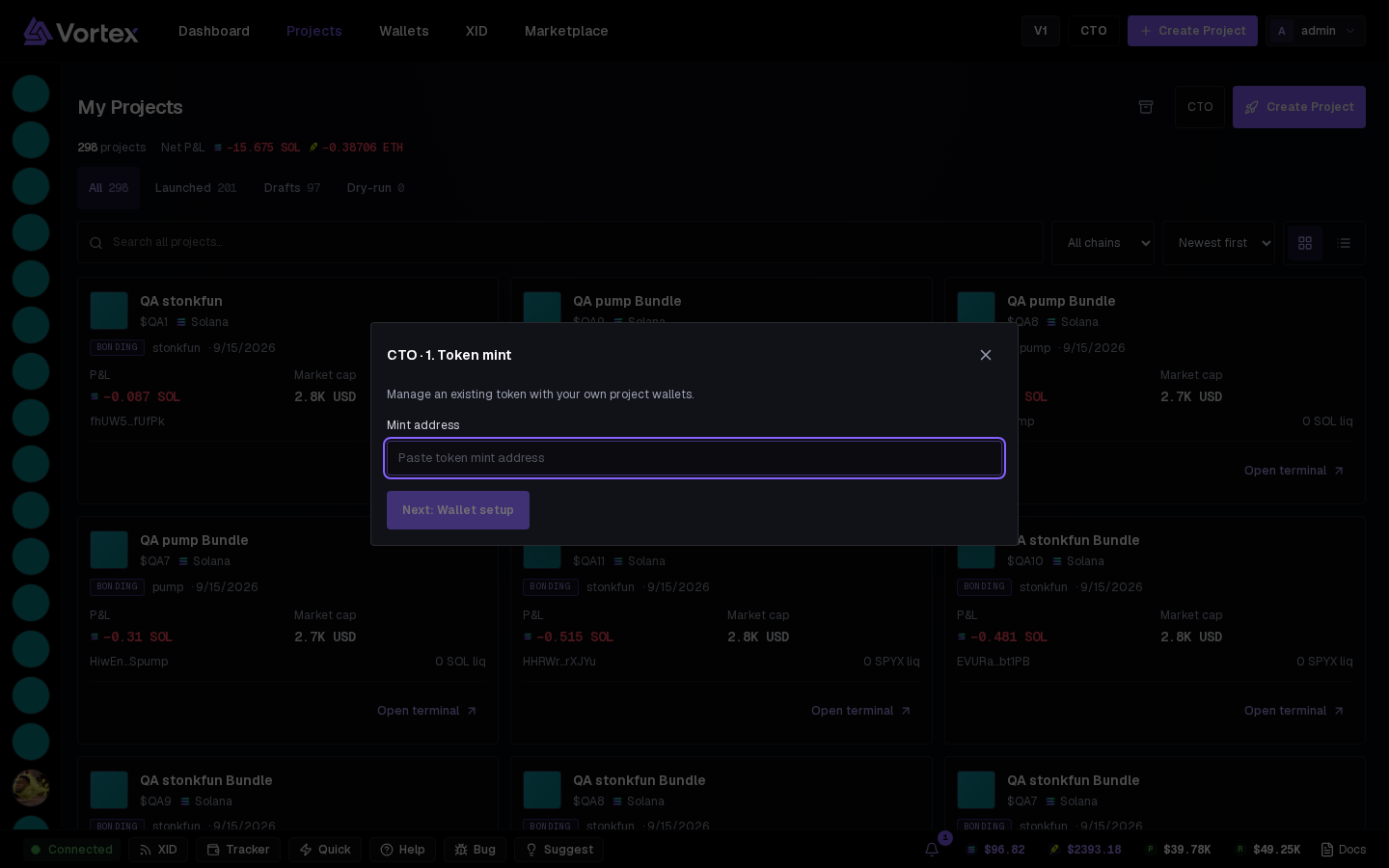
The CTO button sits in the top bar, next to Create Project, and on the Projects page.
1. Token mint#
Paste the Mint address and press Next: Wallet setup. The app finds the token and creates the project.
2. Wallet setup#
Create, import or assign the trading wallets, then Fund them from the same screen. There's no Dev wallet to pick — you didn't mint this token. Add at least one wallet, then press Open Swap Manager: the terminal opens on the token with those wallets attached.
From there it's a normal project: add tasks from the Tasks rail, trade from the wallet table or the Trade panel.