Fund wallets
Fund many wallets from one deposit, through privacy hops or the Mixer exchange hop.
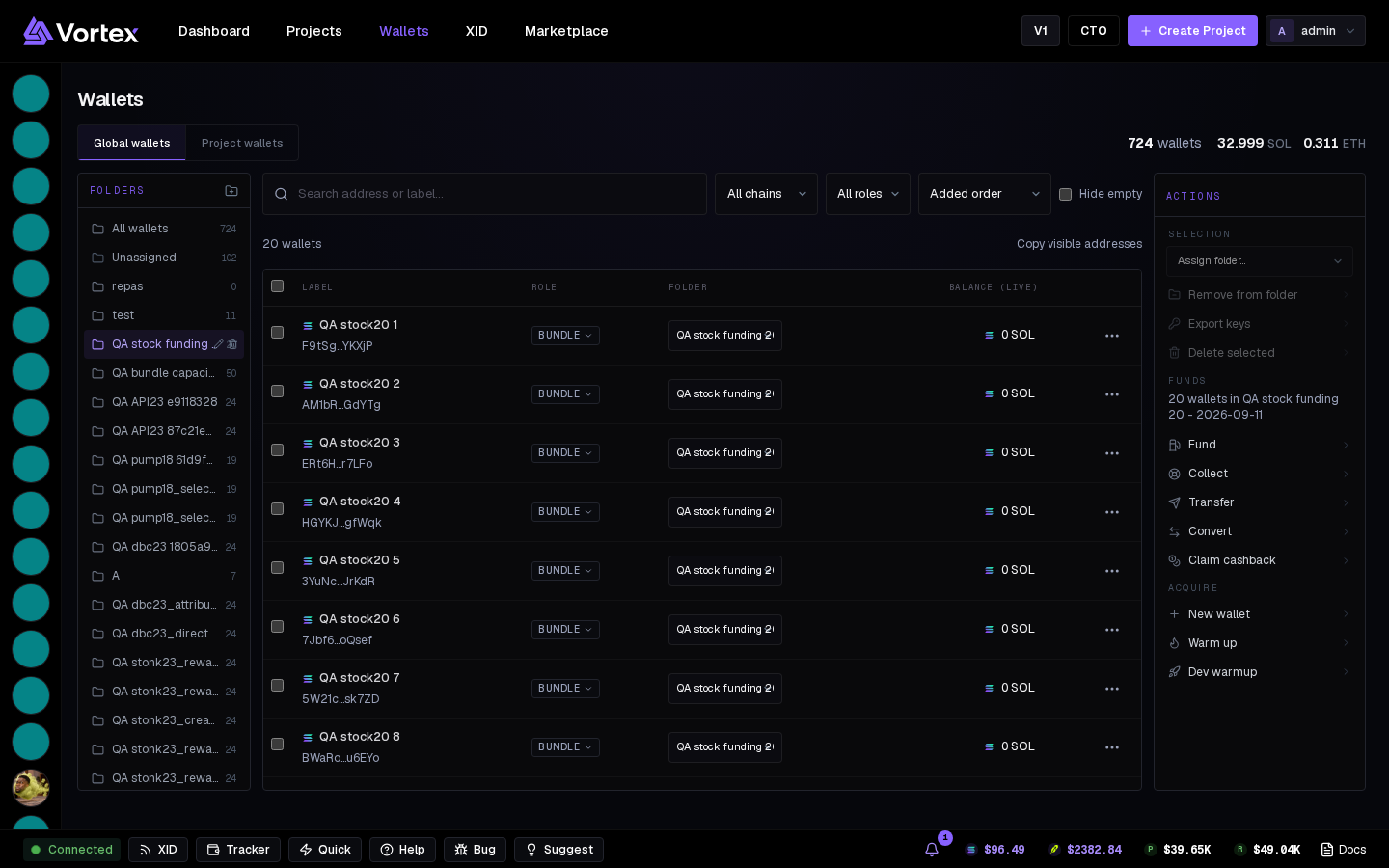
Fund in the actions column funds the wallets in view — either from a deposit address you pay from anywhere (exchange, hardware wallet, another app — the on-chain trail never starts at a managed wallet), or from one of your wallets that already holds the total. On a project tab the same modal is scoped to the project's wallets.
Method#
- Vortex Disperse — on-chain privacy hops: the deposit goes through a throw-away wallet and a temporary layer that closes fully into each destination. Nothing links back.
- Mixer — one Husher exchange order: the exchange pays each wallet, so there's no on-chain link at all. Minimum per destination: 0.15 SOL or 0.01 ETH.
Step 1: wallets and amounts#
- Wallets — tick destinations. Per-wallet Delay (Disperse) or Hold (Mixer) in minutes.
- Total to deposit — fees and reserves come out before the split; the line shows what each wallet actually receives.
- Distribution — equal split, custom per wallet, or Variation ± % around the even share.
- Fund from — the deposit address, or one of your wallets on the same chain (insufficient ones are greyed out).
- Supply plan — on a project view, Mount funds each wallet exactly what it lacks for its planned buy.
Step 2 (Mixer): exchanges and holds#
Each wallet gets its own exchange (Binance, KuCoin, Bitget) and hold time. Randomize exchanges spreads them; Auto-distribute holds spreads payouts over a window. Then Create order — get deposit address.
The last step#
- Deposit address: send exactly the shown amount (small shortfall tolerated), then Close — the task waits for the deposit (30 min default; re-run keeps the same address) and pays the wallets.
- From your wallet: nothing to pay — the last step shows the task's live status.
Follow progress on the Tasks page.
Fees
No platform fee on funding. Husher takes its own fee out of the total.