Scheduled launch
The task that holds a launch until its time and fires it on its own.
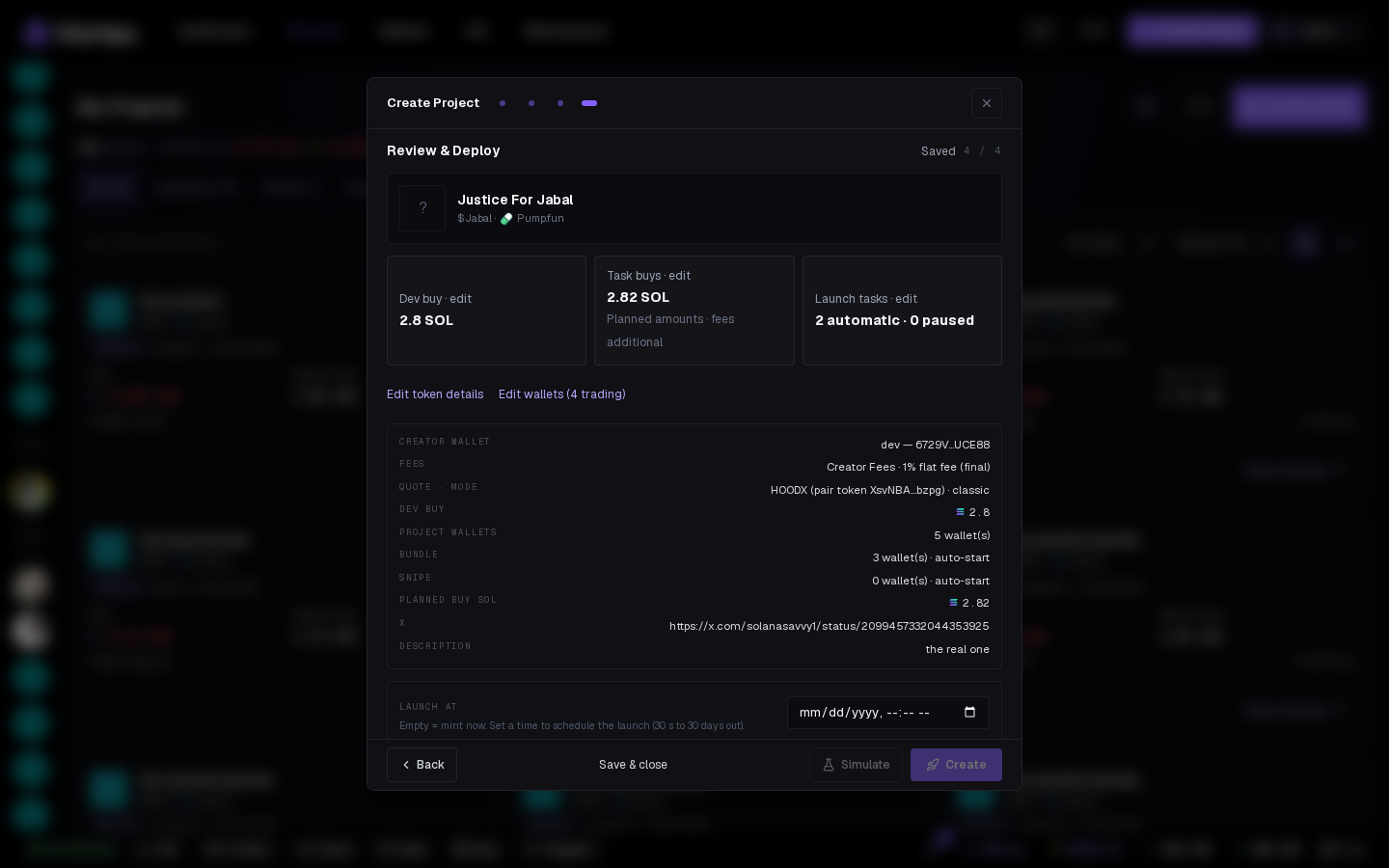
A Scheduled launch is what the wizard creates when you set Launch at. The whole launch — mint, dev buy, every launch task — fires at that instant without you being there. It appears on the Tasks page like any other task.
Options#
- Launch at — the instant to mint (30 seconds to 30 days ahead), set from the wizard.
- Simulate — follows the launch: on for a rehearsal, off for a real launch.
Nothing else to configure — the launch it holds was configured in the wizard.
Before it fires#
- Stop or Delete cancels the launch; the project goes back to a resumable draft.
- Edit the project (Resume on its card) to change the launch; the task picks the changes up.
- Fund the wallets before it fires — the card's Simulate section shows what the launch would do from live balances.
When it fires#
Exactly like a manual Create: terminal opens (if you're on the app), launch tasks start, the project card moves to Deployed. If it fails (drained wallet, launchpad error), the task is FAILED with the reason and nothing else fires.
Fires without your browser
Times are your local time zone. The launch fires whether or not the tab is open.
Every option on the Scheduled launch form
scheduled_launch- Launch attextrequiredThe instant to mint (ISO-8601). Set from the create wizard — the launch is kept whole and fires on its own.
- Simulatetoggledefault onCheck the task without sending transactions or spending funds.