Deploy from XID
Turn a post into a token in two clicks.
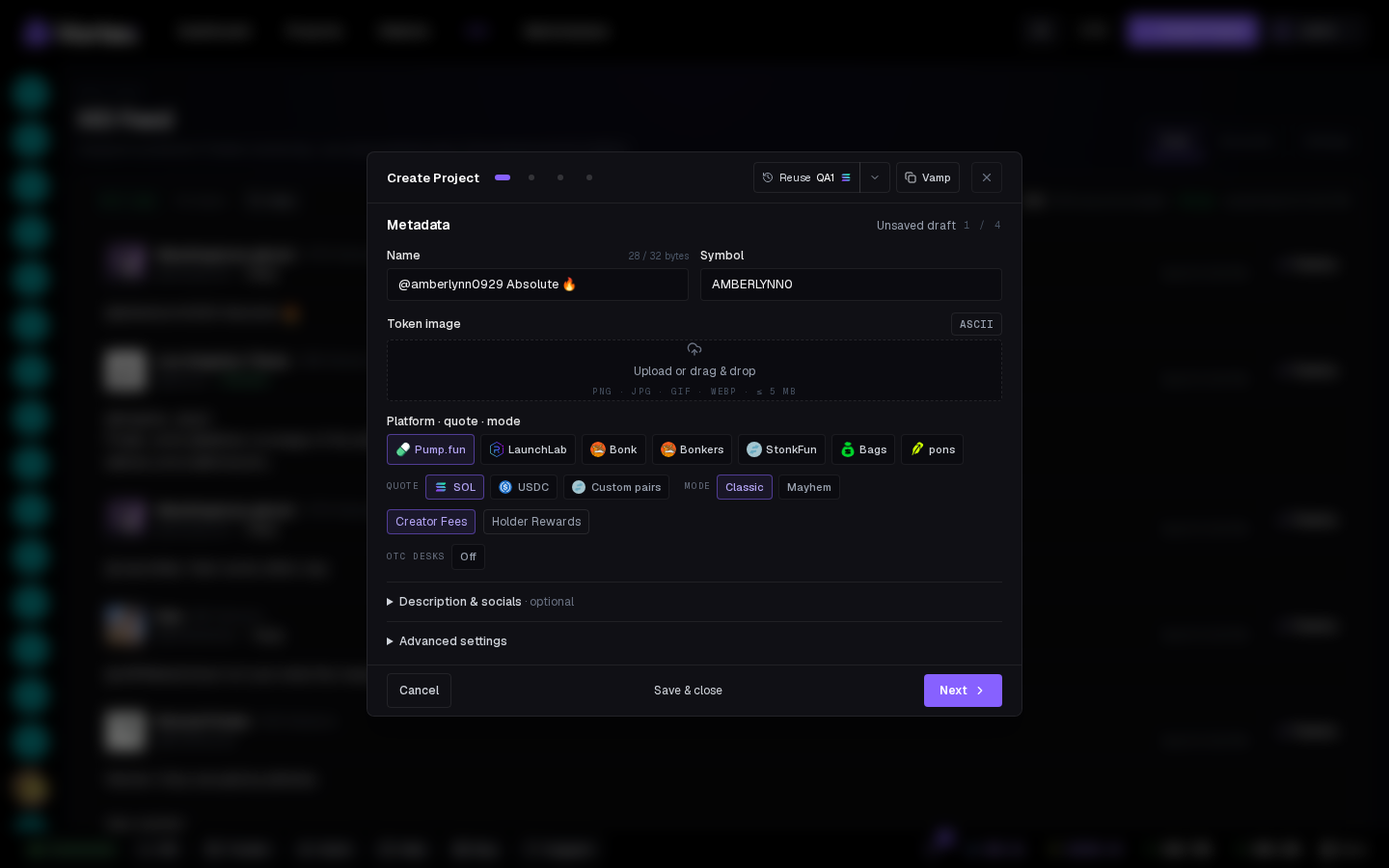
Every post in the feed can become a launch. Nothing launches on its own — each shortcut opens the create wizard pre-filled, and the launch still needs your Create.
Three ways in#
- Deploy on the card — wizard opens with the post's first words as name/symbol and its image as the token image.
- Double-click deploy — double-click one word: that word becomes name and symbol.
- Selection deploy — select text and a Deploy chip appears for it.
The last two are toggles under Settings → Deploy.
What the wizard starts with#
Settings → Deploy controls the pre-fill:
- Platform — the launchpad pre-selected (falls back to the first tile if paused).
- Launch mode — seeded tasks: Dev buy only, Bundle, Snipe or Bundle + Snipe. You still pick wallets and amounts.
- After deploy — open the terminal or stay on the feed.
- Plus your Quick deploy defaults (creator wallet, dev buy, creator fees) from Settings.
Speed#
Deploy → check name/image → wallets pre-filled → Review → Simulate → Create. With warmed, funded wallets and a saved profile: well under a minute. Quick deploy is faster still.
Simulate first
The wizard opened from XID works like any other: Simulate rehearses the launch and its tasks, Create sends it.