Sign in & accounts
Two ways to sign in, and what your account owns.
Everything — wallets, projects, tasks — belongs to one account, and you only ever see your own. There is no wallet-connect: the app holds the keys of wallets you create or import (encrypted) and signs for you.
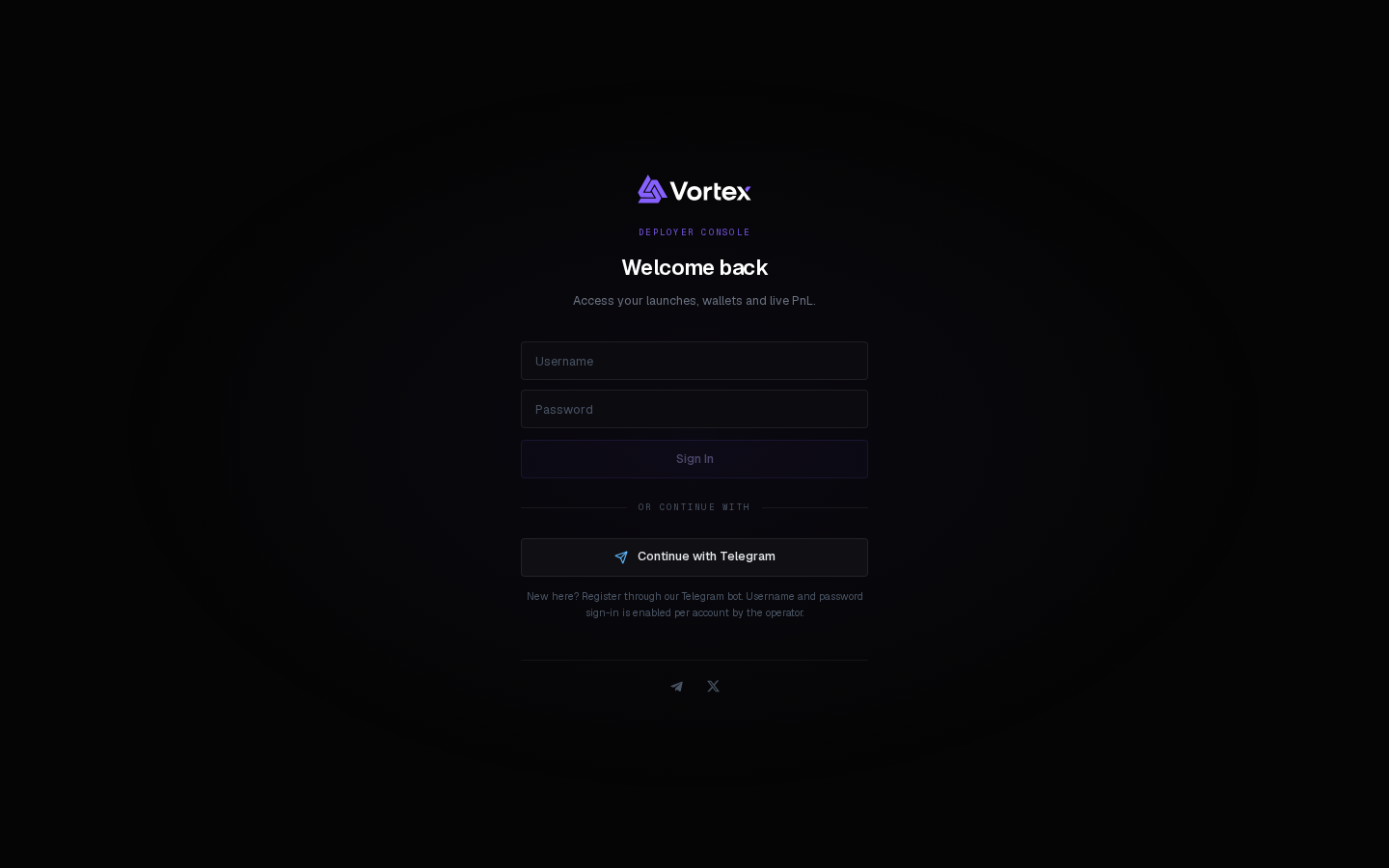
Two ways in#
- Continue with Telegram — the default. Register through the Vortex Telegram bot first; the same identity signs you in here.
- Sign in with Vortex — username and password. Web login must be enabled for your account (ask via Support); then set your credentials under Settings → Profile.
Coming from the legacy vortexdeployer.com app? A link from there signs you straight in.
Sessions#
- A session lives in this browser until you Sign out from the account menu — signing out ends it everywhere.
- Changing your password ends every other session.
- Changing your username or password asks for the current password first.
What an account owns#
- Wallets — created or imported by you.
- Projects — launched tokens and pending drafts.
- Tasks — every automation, with its history.
- Tickets, KOL tracker list, XID preferences, trading presets and supply plans.
Keys
The app never shows a private key unless you ask on the Wallets page and re-enter your password. See Export a private key.