KOL tracker
Follow known wallets — their trades are marked on the chart and tagged in the feed.
Tracker in the footer opens your list of tracked wallets. When one of them trades a token you have open, the trade is tagged with its emoji and name in the Trades feed and marked on the chart.
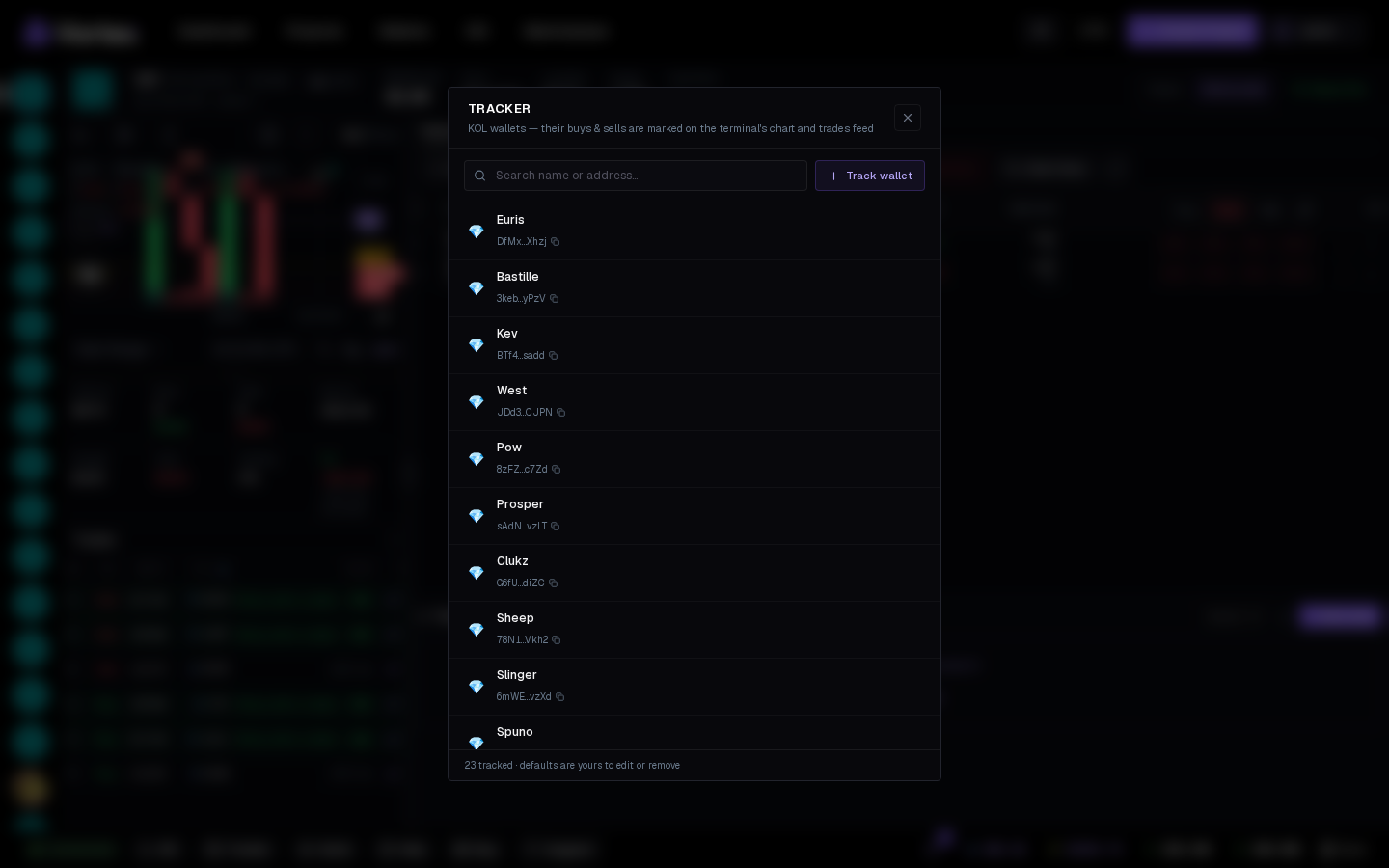
The list#
- New accounts are seeded with well-known trader wallets — edit or remove them freely.
- Track wallet — paste an address, name it, pick an emoji (the emoji is what shows on the chart).
- Click a row to edit or remove; removal is immediate.
Where it shows#
- Trades feed — emoji and name instead of a bare address.
- Chart — a buy/sell-colored marker at the candle.
- Wallet profile — click a tracked address for its on-chain activity on that token.
One list per account, applied across every terminal on both chains.
Track your competitors' devs
Add the creator wallets of tokens you watch — their sells are the earliest signal a launch is winding down.