Buy Task
Buy Tasks automatically execute one-time buys across multiple wallets. The script waits for an initial delay, then buys tokens from each wallet once, with random delays between each wallet. You control when to sell the tokens.
What is a Buy Task?
A Buy Task automates one-time purchases across your wallets:
- Waits for an initial delay before starting
- Buys tokens from each selected wallet once
- Uses your chosen buy mode (full balance, exact amount, or percentage)
- Waits a random time between each wallet's buy
- Stops automatically after all wallets have bought
Where to Create Buy Tasks
You can create Buy Tasks in multiple places:
- During Project Setup: In the "Overview & Deploy" step, click "Volume Tasks"
- Swap Manager: After deployment, scroll to "Volume Tasks" section and click "+ Create Task"

How to Create a Buy Task
Step 1: Open the Create Dialog
Click the "+ Create Task" button. Choose "Buy" as the task type.
Step 2: Name Your Task
Enter a name for your task. Examples: "Initial Buy", "Entry Position", "First Purchase". This helps you remember what the task does.
Step 3: Select Wallets
Choose which wallets should buy tokens. Each wallet will buy once when the task runs.
Tip: Make sure these wallets have enough SOL! If a wallet doesn't have enough balance, it will be skipped.
Step 4: Choose Buy Mode
Select how much each wallet should spend:
Full Balance
Uses all available SOL in each wallet (minus a small amount for gas)
Exact Amount
Set a specific SOL amount for each wallet individually
Percentage
Set a percentage range (e.g., 70-90%) of each wallet's balance
Step 5: Configure Buy Amounts
Based on your buy mode, set the amounts:
Full Balance: No configuration needed - uses all available SOL
Exact Amount: Enter a specific SOL amount for each wallet (e.g., 0.5 SOL per wallet)
Percentage: Set Min and Max percentage (e.g., Min: 70%, Max: 90%)
Step 6: Set Initial Delay (Seconds)
How long to wait before starting the task:
Enter the delay in seconds (example: 5 seconds)
Set to 0 for immediate start
Step 7: Set Delay Range (Seconds)
How long to wait between each wallet's buy:
Min: Shortest wait time (example: 3 seconds)
Max: Longest wait time (example: 10 seconds)
The script picks a random time between these for each wallet. This makes the activity look natural.
Step 8: Click Create
Click the "Create Task" button. Your task is now ready to run!
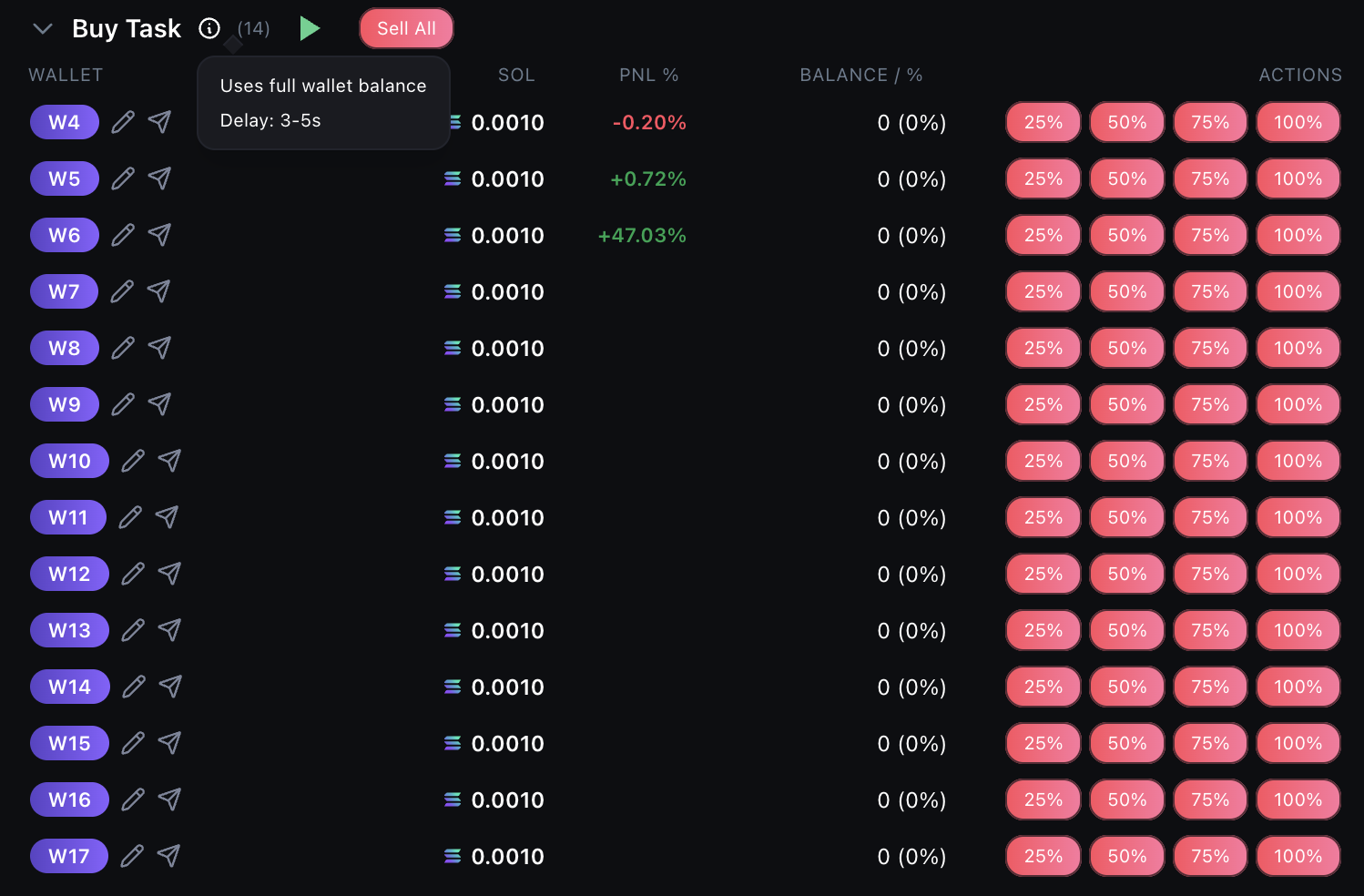
How to Start & Monitor Your Task
Find Your Task
Scroll down to the "Volume Tasks" section. You'll see your task listed.
Click Start
Click the "Start" button next to your task. The status will change to "Running".
Watch the Activity
The script will:
- Wait for the initial delay (if set)
- Buy tokens from the first wallet
- Wait a random time (within your delay range)
- Buy from the next wallet
- Repeat until all wallets have bought
- Stop automatically when complete
How to Sell the Tokens
Choose Your Sell Method
You have several options for selling (task can be running or stopped):
- Sell All: Sell 100% of all tokens from all wallets at once
- Sell Selected: Select specific wallets and sell only their tokens
- Sell Exclude Dev: Sell all wallets EXCEPT the dev/creator wallet
- Quick Actions: Use the sell quick action buttons on individual tasks
Quick Summary
Create a Buy Task → Select wallets → Choose buy mode & amounts → Set delays → Start the task → Script buys once from each wallet → You manually sell when ready. Easy!